
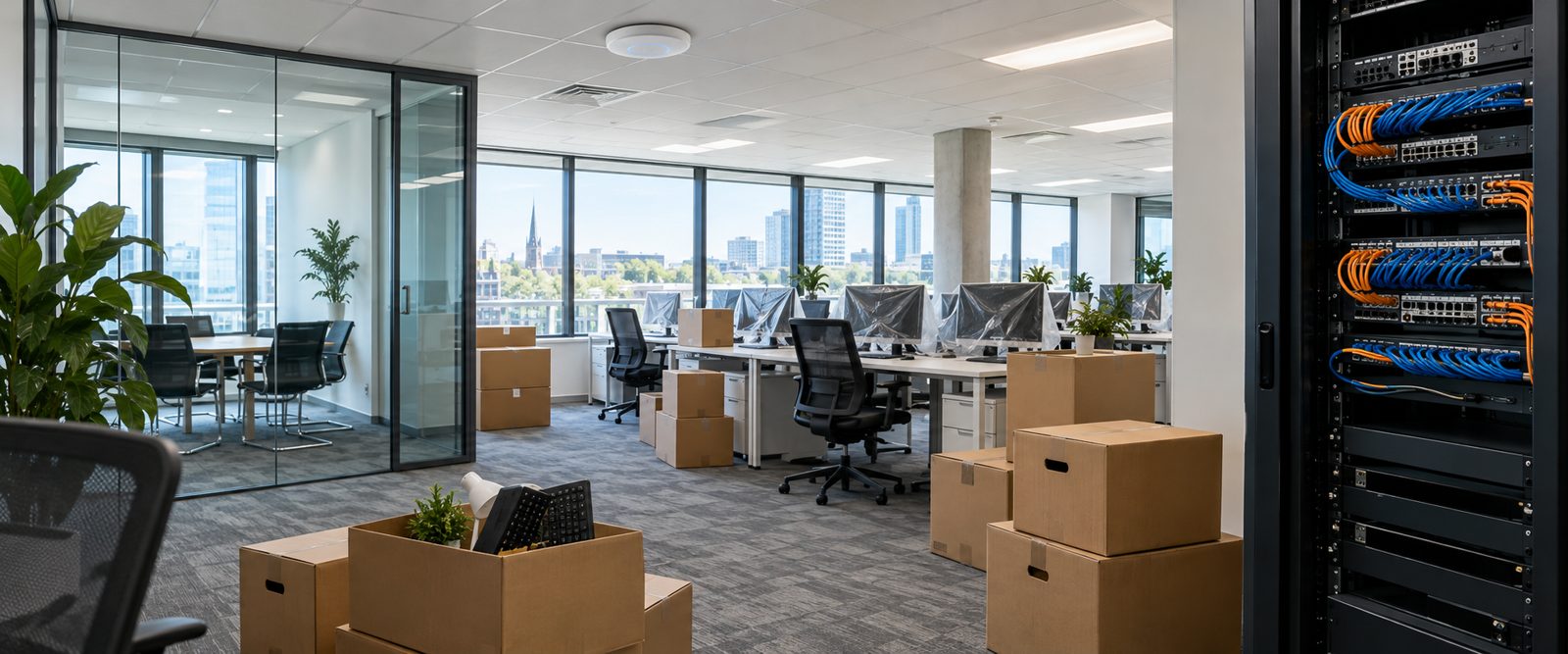
Moving into a new office is an exciting step for any business. It's also one of the easiest times for things to go wrong. Most people focus on the lease, the furniture and the removal van, but it's often the IT and telephones that decide whether your team can get straight back to work on day one.
Here at Q6IT we've helped businesses across Worcestershire and the West Midlands move premises over the last 25 years. This guide covers what to think about before you sign, and how to plan the IT side of the move so it all just works when you walk through the door.
Before you sign: check the building can support your business
Once a lease is signed, it's too late to find out the building has poor broadband or no proper cabling. Before you commit, ask:
- What broadband and connectivity is available? Check whether full fibre or a leased line can be installed, and how long it would take. Don't rely on what the previous tenant had.
- Is there existing data cabling, and what state is it in? Old or untested cabling can cause slow, unreliable connections. Find out where it runs and whether there's a comms room or cabinet.
- What's the mobile signal like? Poor signal inside some buildings can affect phone calls and mobile backup connections.
- Where will your equipment live? Servers, switches and routers need a secure, well-ventilated space with enough power sockets.
- Will the landlord let you make changes? Installing new cabling, Wi-Fi access points or CCTV usually needs the landlord's consent, often through a licence for alterations. Get this agreed early.
The lease: points worth getting clear
We're IT people, not solicitors, so always take proper legal advice that's specific to your business. That said, a few lease points regularly affect how smoothly a move goes:
- Early access. Ask for access to the new office before your move date. It gives time to install cabling, broadband and phones, and to test everything before staff arrive.
- Length of the lease and break clauses. These affect how much it's worth investing in cabling and equipment in the building.
- Alterations and reinstatement. Check whether you'll have to remove cabling and equipment at the end of the lease, as this can be a hidden cost later on.
- Service charges. Find out what's included, for example whether shared internet, door entry or building Wi-Fi is part of it.
Leave plenty of time for the legal side. Solicitors often need answers from both sides, and delays here can squeeze the time left for setting up the IT.
Plan your IT move early
The most common mistake we see is leaving the IT until the last few weeks. Some services have long lead times, so start planning as soon as you know you're moving, ideally three months or more ahead.
1. Order your connectivity first
New broadband or a leased line is usually the item with the longest lead time. Full-fibre and leased line installations can take weeks, and sometimes several months if groundworks or wayleaves are needed. Order early, and think about a backup connection such as 4G/5G or Starlink so you're not left waiting. See our broadband options for more.
2. Get the cabling and Wi-Fi right
Plan where desks, printers, meeting rooms and screens will go, then make sure there's data cabling and power in the right places. A Wi-Fi survey helps place access points so you get strong, reliable Wi-Fi throughout the building, not just near the router.
3. Sort out your telephones
Moving office is the ideal time to review your phone system. With the PSTN switch-off approaching, traditional landlines are on their way out. A cloud phone system lets you keep your existing numbers and move without your callers ever noticing.
4. Think about security
Plan your CCTV, door access and alarm systems, and make sure any connected devices are set up securely from day one. Change default passwords and keep them on a separate network from your business computers.
5. Back up before you move
Before any equipment is unplugged, make sure you have a full, tested backup of your data. Moving servers and computers always carries a small risk of damage, and a secure cloud backup means nothing is lost if something goes wrong.
6. Plan the move day
Agree who will disconnect, pack, move and reconnect each item. Label cables and equipment, test everything once it's set up, and have someone on hand on the first morning to deal with any issues.
Don't forget the move out
Your old office needs attention too. Cancel or transfer broadband and phone lines at the right time, wipe or securely dispose of old equipment, and check whether you need to remove any cabling to meet the terms of your old lease.
Moving office? Let Q6IT take care of the IT
From checking the new building's connectivity before you sign, to cabling, broadband, Wi-Fi, telephones and a smooth move day, Q6IT can plan and manage the whole IT side of your office move, so your team can get straight back to work.
Get in touch with Q6IT to talk about your move.