Need help? We're here.
Call or email our support team, and if we need to look at your computer, use one of the remote support tools below.
Talk to a real engineer
Our friendly support team is based across the West Midlands and knows your systems. Get in touch by phone or email and we'll get you back up and running.
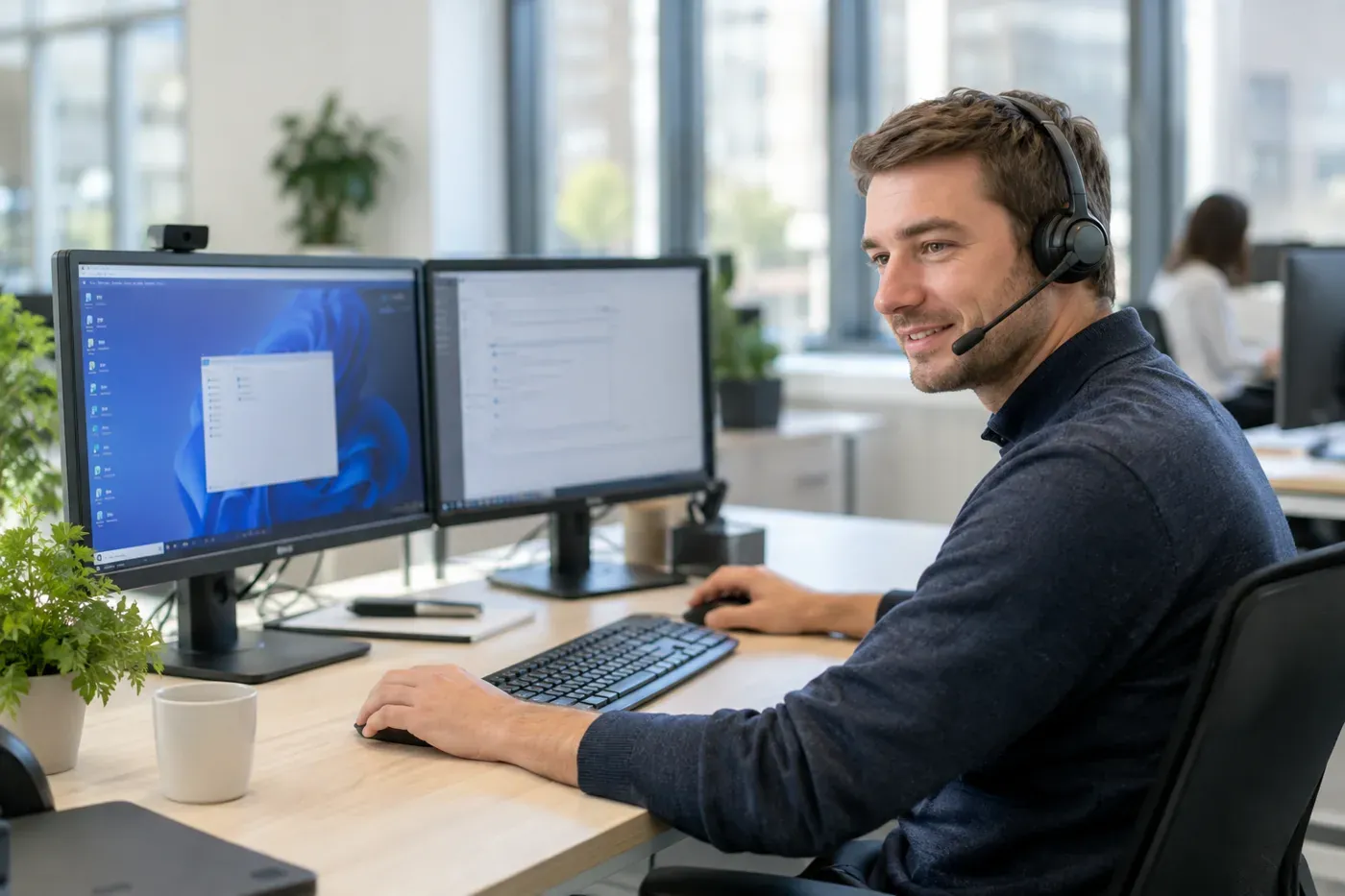
Let us connect to your computer
When one of our engineers asks you to, use the tool they mention below. We'll only connect with your permission.
RMM
Our support agent, for managed support customers. Download and run it once to add your computer to our monitoring and support.
Microsoft Quick Assist
Built into Windows 10 and 11, so there's nothing to download. Open it and enter the security code the engineer gives you.
If the button doesn't open it, press Ctrl + Windows key + Q, or search the Start menu for "Quick Assist".
AnyDesk
A quick remote session on Windows. Download and open AnyDesk, then read your AnyDesk address to the engineer.
Talk to us about Support
Contact one of our friendly team to learn more about how we can help your business.